Access H2O Drive
H2O Drive is a managed application that can be accessed through an H2O Drive instance that an admin user can create on the H2O AI Cloud.
Start an H2O Drive instance
Step 1: access HAIC
Access your H2O AI Cloud (HAIC) account.
Step 2: search H2O Drive
- In HAIC, click APP STORE.
- In the HAIC search bar, search
H2O Drive.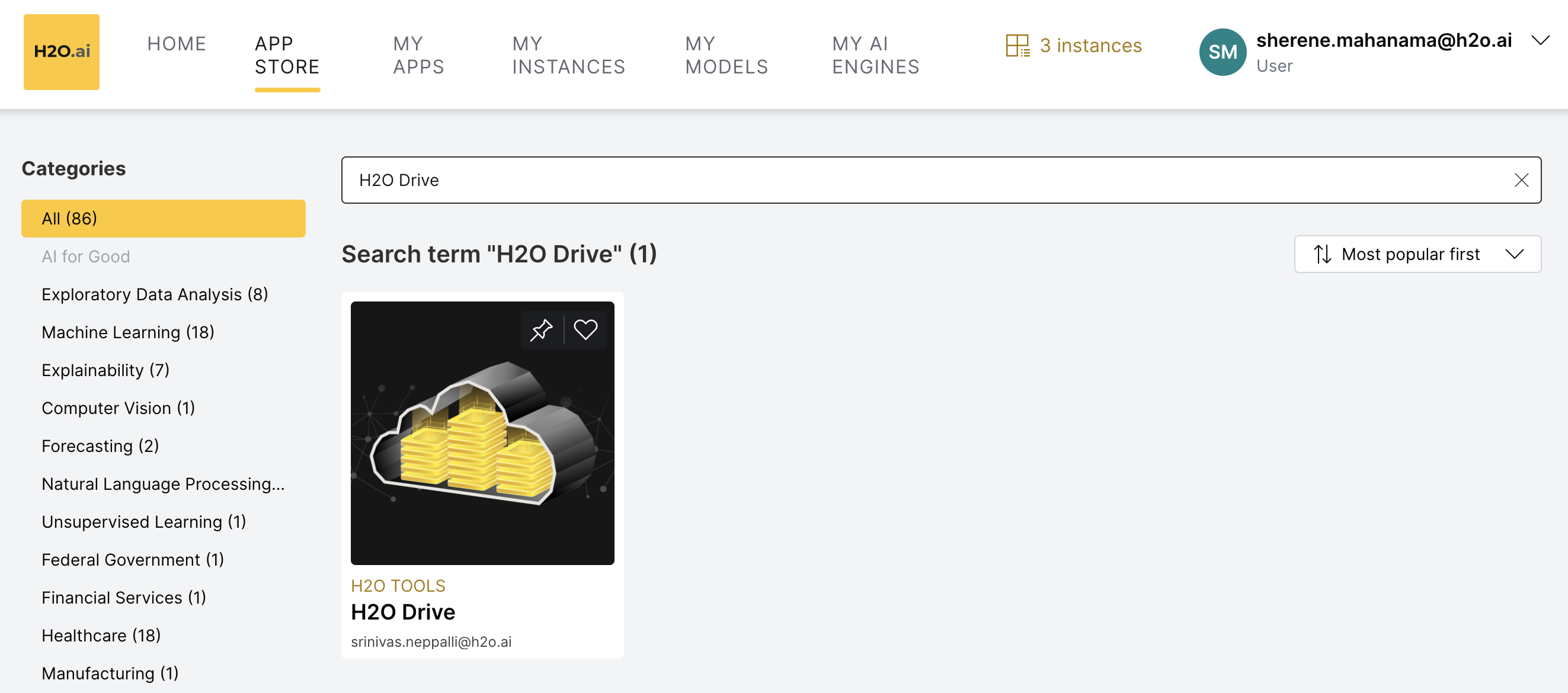 Now, select the
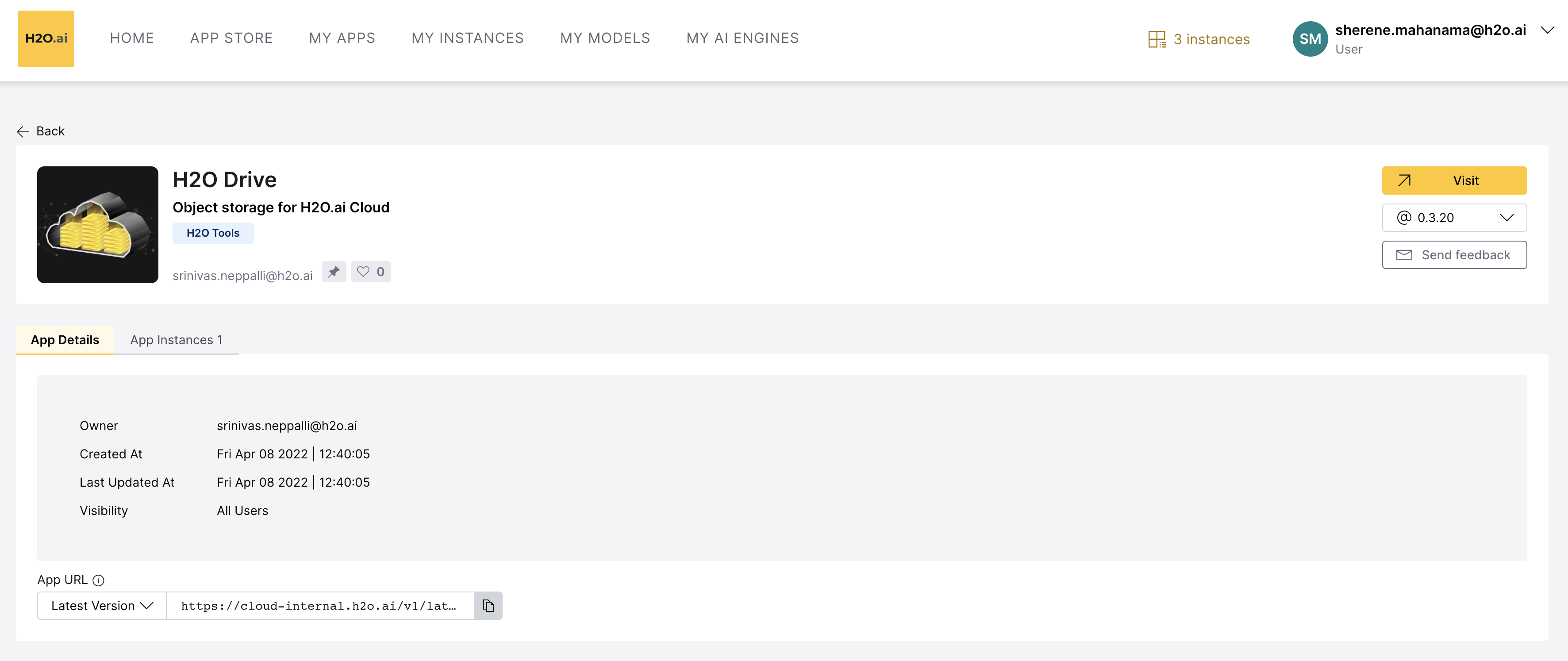
 H2O Drivetile. Details about H2O Drive appear.
Step 3: run H2O Drive
To access H2O Drive, click Visit:
Feedback
- Submit and view feedback for this page
- Send feedback about H2O Drive to cloud-feedback@h2o.ai